MiniMax H3 Lite Video Generator
Test a camera move or animate a still in a short clip with sound. Start with a five-second 480p draft, then use 768p when you need a closer look.
Video Generation Settings
Model
246/7000
Video Resolution
Duration
Video Aspect Ratio
Video Preview
Open the sample video
This 480p draft lets you see the motion and framing before committing to a higher-resolution shot. The prompt used to make it is already in the generator.
What you can make with H3 Lite
Check the motion before a full render
Write one camera move and one subject action. A fixed camera on this paper boat makes it easy to see the direction and pace of the movement.
Animate the composition you already have
Upload a starting image and describe the movement. Add an optional ending frame for a specific last view. The first frame sets the video’s aspect ratio.
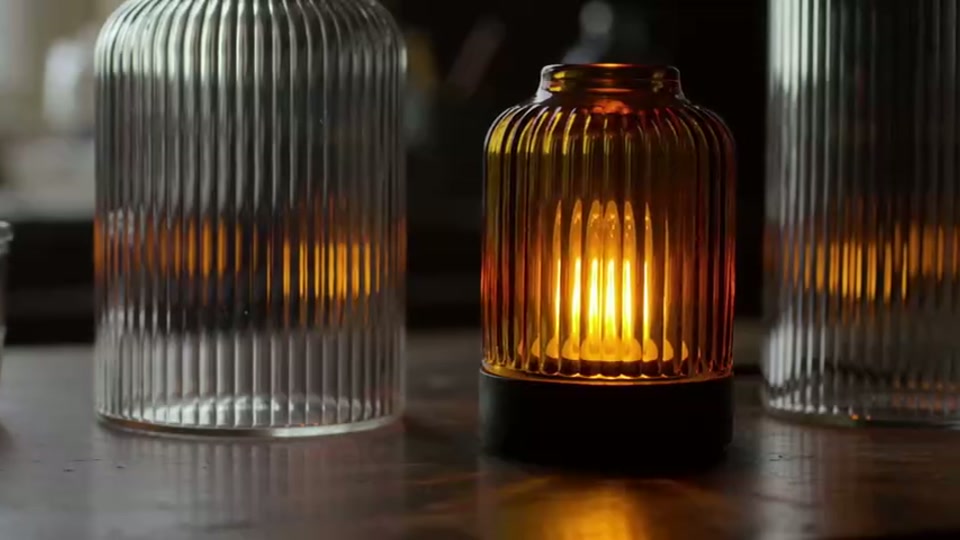
Where a quick draft helps
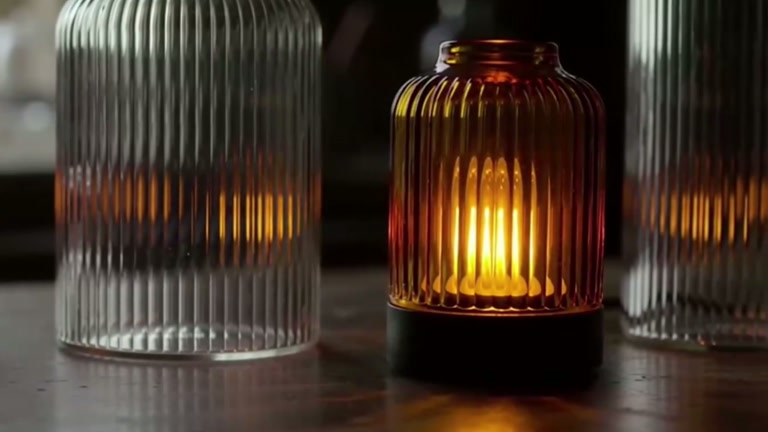
Product shots
Check whether the camera reveals the profile and reflective surfaces you want. Switch to 768p to inspect the edges before planning the final shot.

Storyboards
Test a static camera, a push-in, or a lateral slide before building the rest of the sequence. Give each draft one motion to judge.

Vertical clips
Use 9:16 text-to-video or start from a vertical still. Check that the subject stays in frame through the last second.
Make your first H3 Lite video
Choose a starting point
Start with a written shot description or upload your opening frame. Describe one main action and how the camera should move.
Set the length and detail
Choose 480p or 768p and 4–15 seconds. Start with five seconds to see whether the movement works. Check the credit total before generating.
Review and download the clip
Watch the whole video, listen to the sound, and check the last frame. Download the MP4 when you have a usable take.

H3 Lite credits
The price depends on the requested duration and resolution. Text and image jobs share the same rate. The generator updates the total before you submit.
| Duration | 480p | 768p |
|---|---|---|
| 5s | 12 credits | 19 credits |
| 10s | 24 credits | 37 credits |
| 15s | 35 credits | 56 credits |
MiniMax H3 Lite FAQ
What is MiniMax H3 Lite?
It is the lower-cost video model in the MiniMax H3 family. This generator offers text-to-video and first-frame animation with an optional last frame, at 480p or 768p.
How long can a clip be?
Each job generates a 4–15-second clip. For a longer sequence, plan separate clips and join them in your editor.
Does H3 Lite generate audio?
Yes. The MP4 includes generated sound. You can describe ambience or a sound effect in the prompt.
What if generation fails?
Credits are returned when a charged job fails.